
Bypassing the Security Perimeter
TorZon utilizes a custom Challenge-Response system to mitigate DDoS attacks and bot scraping. Unlike standard Google reCAPTCHA, which tracks user behavior, the TorZon Captcha is entirely privacy-preserving. However, it can be confusing for first-time users.
The "Clock" Captcha Explained
When you access the TorZon Login URL, you will be presented with a circular image containing distorted characters.
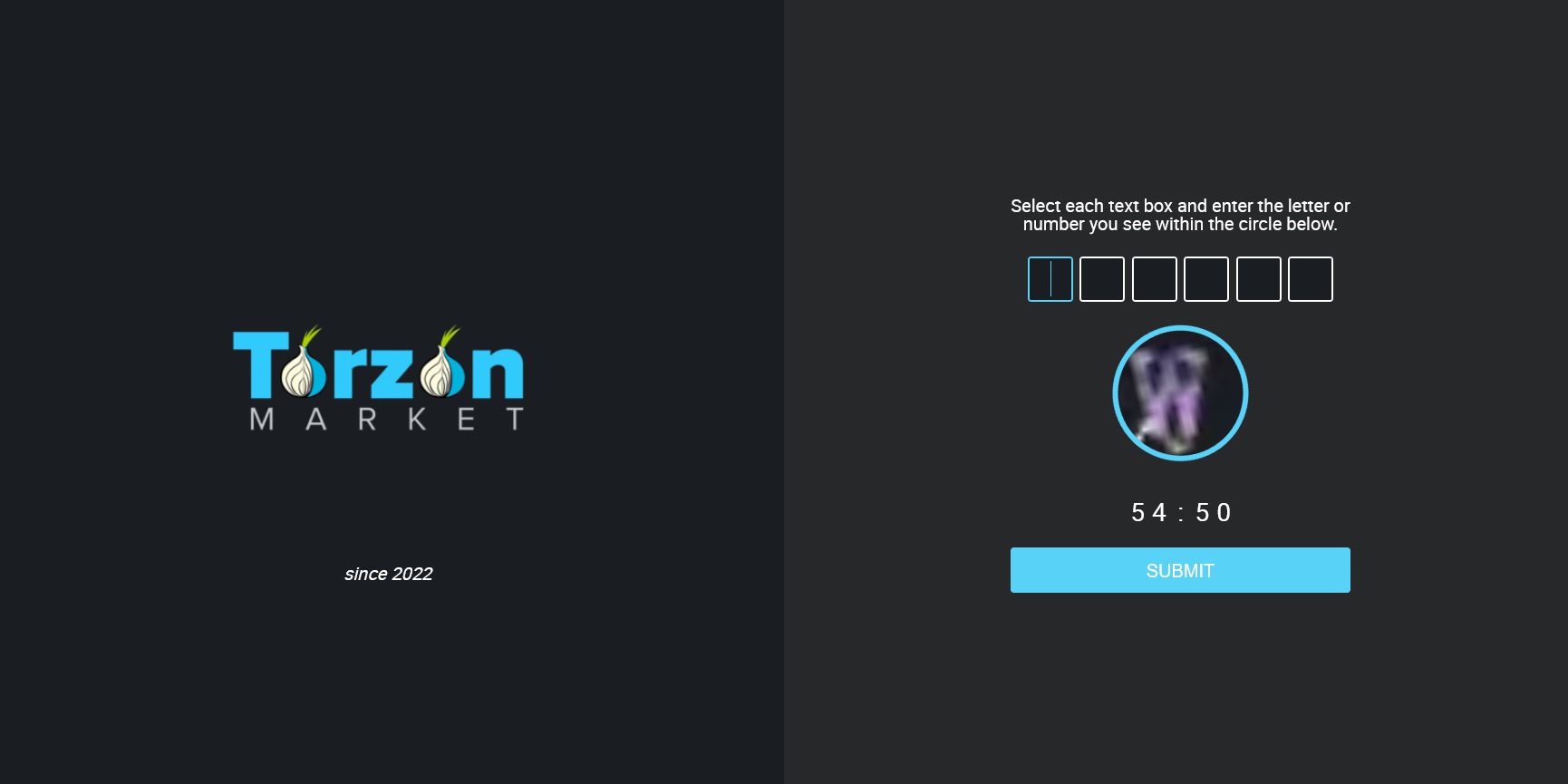
Figure 2.1: The TorZon Challenge Interface.
Step-by-Step Solution
- Identify the Circle: Look at the characters inside the rotating circle.
- Read Clockwise: Usually, you need to enter the characters starting from the top (12 o'clock position) and moving clockwise, unless specified otherwise by the text above the box.
- Case Sensitivity: The captcha is case-sensitive. Ensure your Caps Lock matches the image.
- Timer: Notice the timer (e.g., 54:50). You have ample time, do not rush.
If the image is too distorted, refresh the page to generate a new challenge. Once solved, you will be redirected to the main dashboard.